My Finances in Telegram
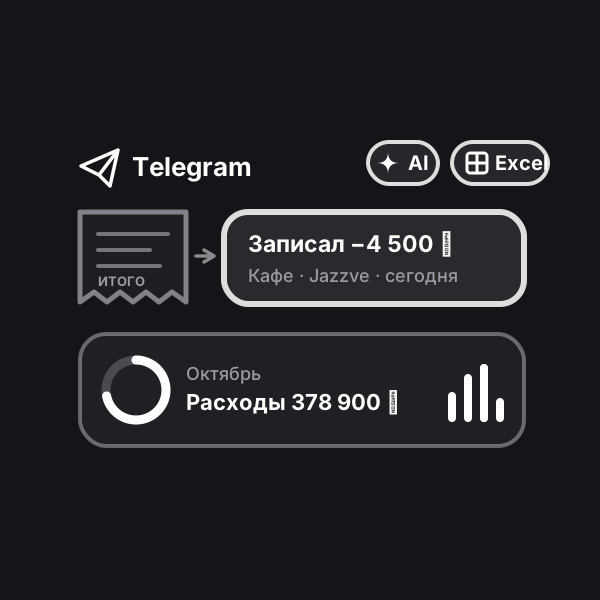
An expense tracker right in Telegram: send a receipt photo, a bank screenshot or a voice note — the bot records the amount, category and date on its own, and the app shows where the money goes.
Updated: October 22, 2026
How to run it
Engine is our platform: it runs automations on our servers. After payment the automation shows up in your account on its own: walk through the setup wizard step by step — no code and no server of your own — and switch it on. Stats and leads live there too.
What result it gives
Bookkeeping runs itself: snap a receipt and the record is already in the budget, with no spreadsheets or manual entry. At any moment you see the month’s balance, the main spending categories and which limit is exceeded, and on the 1st you get a ready summary with Excel. A family keeps a shared budget in one chat; a business collects staff expenses without paper slips and forwarding.
How does it work?
You create your own bot — a couple of minutes with @BotFather — and the wizard in your account asks only for a name, a mode and a currency. Everything else happens in a regular chat: a receipt photo, a banking app screenshot, a forwarded SMS, a voice note “taxi twelve hundred” or just “coffee 1500”. In a second the bot recognises the amount, shop, category and date and sends a record card with “Fix” and “Delete” buttons. If something on a receipt is unreadable, it asks instead of guessing.
The “Open” button in the bot launches the app: the month’s balance, where the money goes, category limits, a month-by-month report and every record. The same app is in your account on the website. Every Monday the bot sends a weekly summary, on the 1st — the month’s results and an Excel file, optionally to your accountant’s email too. Spending in another currency is converted at the central bank rate of the purchase date.
For a family — invite your loved ones and add the bot to a family group: all records in one budget. For a business — staff add expenses and see only their own, while only you see the balance and reports. Receipt recognition (AI) is already included in the subscription.
How to run it. The simplest way is with us: after payment the automation shows up in your account on its own, you walk through the setup wizard step by step — no code, no server of your own — and switch it on. The first days of running it at Profiforce come free with the purchase (the exact number is in the “What’s included” list); after that it is a subscription you extend once you like it. Prefer not to set it up yourself? Order the turnkey implementation. And the workflow file stays yours forever: the format is open, so you can move it to your own n8n whenever you like — it sits in the archive together with the PDF guide.
Who it’s for
Families and couples who want to understand where the money goes but won’t keep spreadsheets. People saving for a goal or keeping a limit on cafés and shopping. Small businesses and freelancers — coffee shops, workshops, stores, field teams: staff receipts no longer get lost and expenses are visible right away.
What’s included
- A ready automation with a setup wizard and a Telegram app in Profiforce
- The n8n workflow file — yours forever
- Installation guide (PDF)
- 14 days of running it in Engine — free
Try the app
Send the bot a receipt photo or a voice note — and watch the record appear in the app. The app is the real dashboard with a sample family: report, limits, settings.
Sample data. Nothing is saved in the demo.